Anydesk
AnyDesk, a fast remote access to computers

Safe & Secure
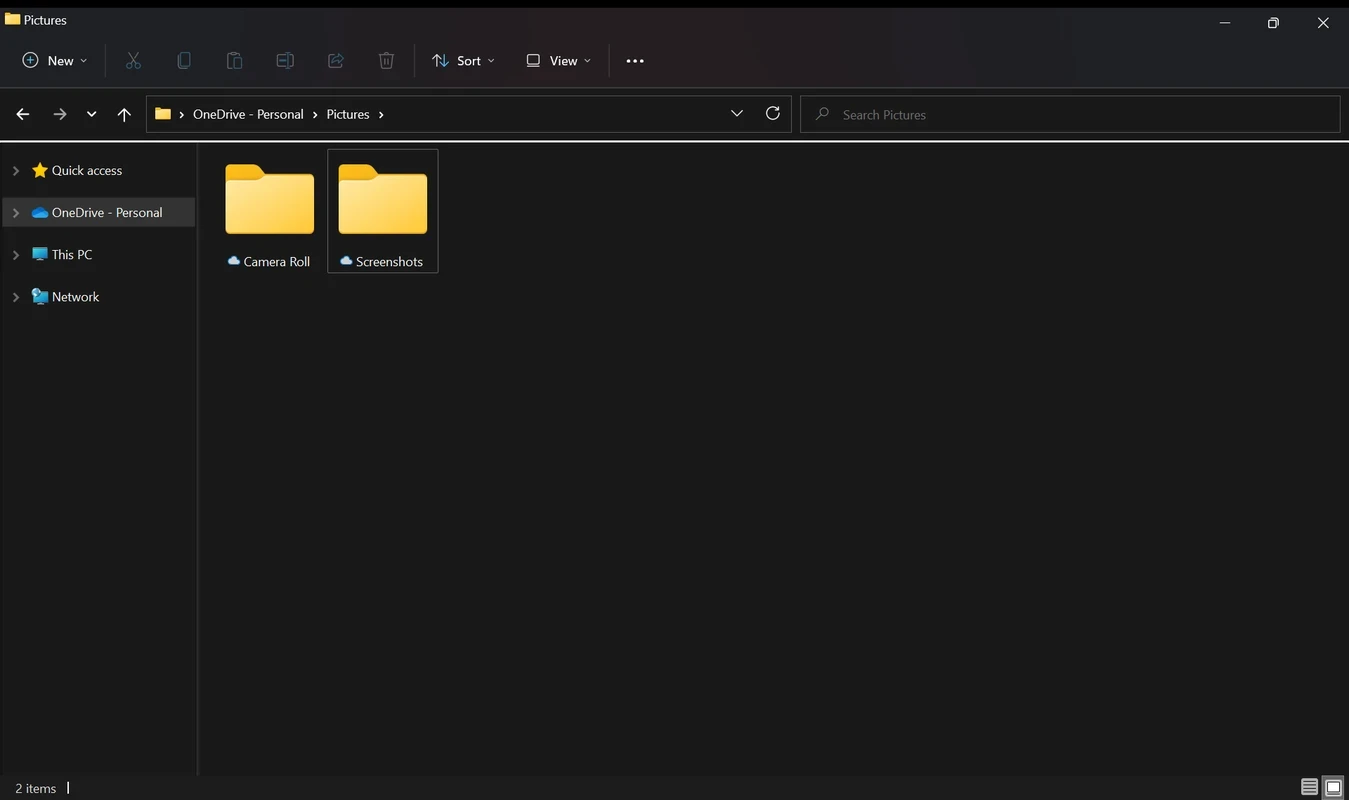
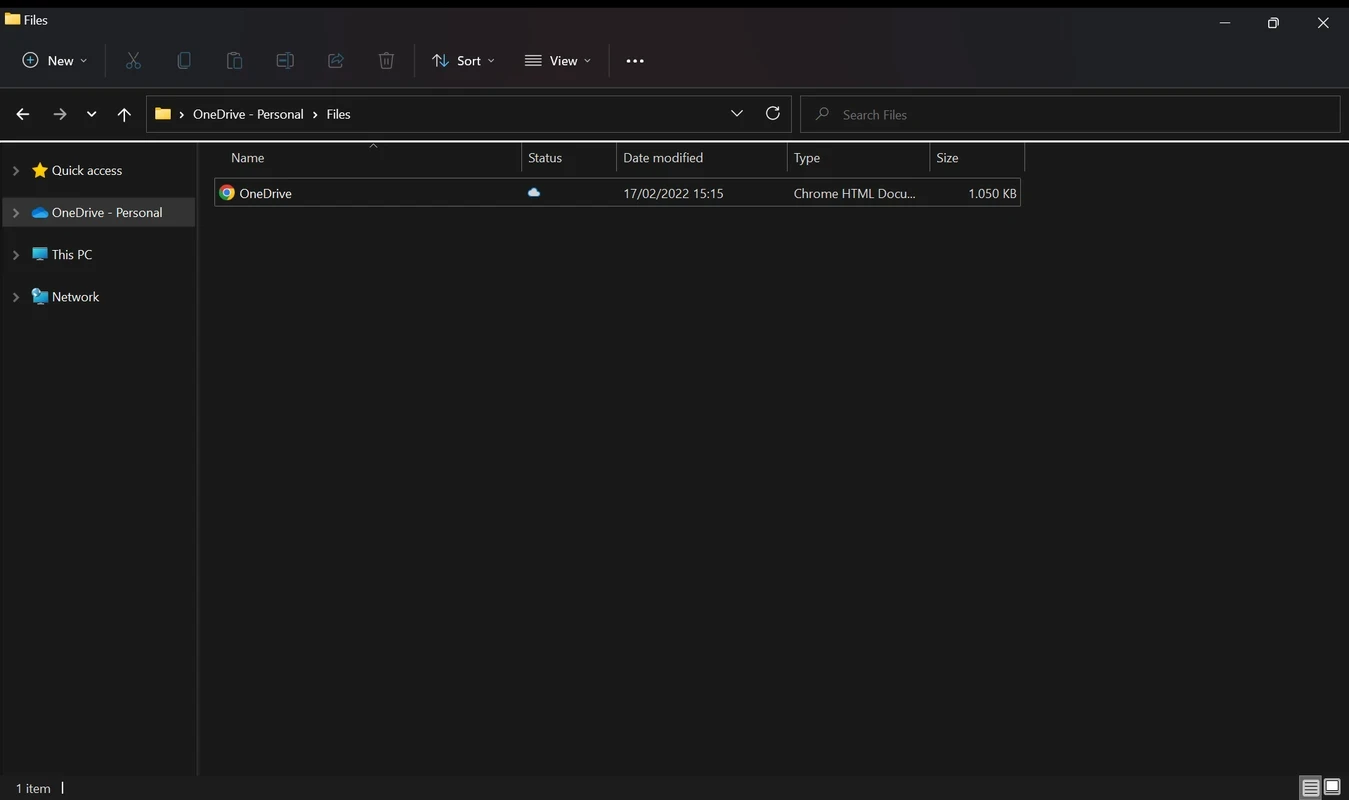

Microsoft OneDrive is a powerful file-hosting service to manage cloud storage and the file syncing process. It is developed by Microsoft and was released in 2007 under the name SkyDrive. It enables users to store, share, sync, and back up their essential files, offering 5 gigabytes of cloud storage for free. It is available with different storage options, including 100 GB, 1 TB, and 6 TB.
The built-in cloud storage service with cross-platform compatibility is deeply integrated into Windows 10 and Windows 11. It proves to be the best choice for personal as well as professional users, offering robust security and collaboration features.
All of your files are synced between cloud storage and local storage, such as File Explorer and Finder, ensuring quick access. It helps to download the files easily, and also offers thumbnails and metadata to manage the disk space as well. The integration with Office productivity apps allows users to reliably sync in-app versions and edit files simultaneously. It also helps to restore files from the recycle bin, using guided ransomware protection, or even recovery for business plans. Ensures the synchronization between multiple devices, moving the key folders to OneDrive. Moreover, the mobile-supported features help with automatic camera-roll backup, offline files, quick sharing, and on-the-go scanning to PDF.
The simple and easy-to-use app makes your file storage, syncing, sharing, and download process simple and fast. It offers a simple installation process and appears with a dedicated OneDrive folder on your desktop screen, pairing with your online storage. Store more rarely useable files in the Files On-Demand, selective sync will offer large archives online, and active folders are for staying on your computer. However, offline access is possible only for downloaded files. You will find few sample documents for your ease to start with, and access to them from anywhere using your OneDrive account. Share files with others, and use sharing permissions for limiting links to specific users. Likewise, version history helps to return a file to a previous version in case of any mistake.
As offered by Microsoft Corporation, the app comes pre-installed specifically on newer devices, regardless of whether the device is a mobile device, computer, or macOS. Simply use your Microsoft account to sign in, sync folders, and enable other options as per your preferences. You will find a free tier with 5 GB of free storage; however, you can purchase the paid version under Microsoft 365 Personal and Family subscriptions, and also Business and Enterprise plans for professional purposes. In addition, the security and privacy are similar to other digital environments and are also preferable, as all of your data is encrypted and integrated with Microsoft account security features, such as multi-factor authentication. Likewise, avail extra authentication steps and protected storage for sensitive documents through Personal Vault.
Pros
Cons

AnyDesk, a fast remote access to computers

Accelerated Downloading with Internet Download Manager (IDM)

SHAREit for PC is the best option for a P2P file-sharing process without using Wi-Fi.

ShareMe for PC, a freeware and streamlined file-sharing app

uTorrent, a powerful, lightweight, and fastest P2P file-sharing software

Xender for PC, an effective and convenient file transfer utility